
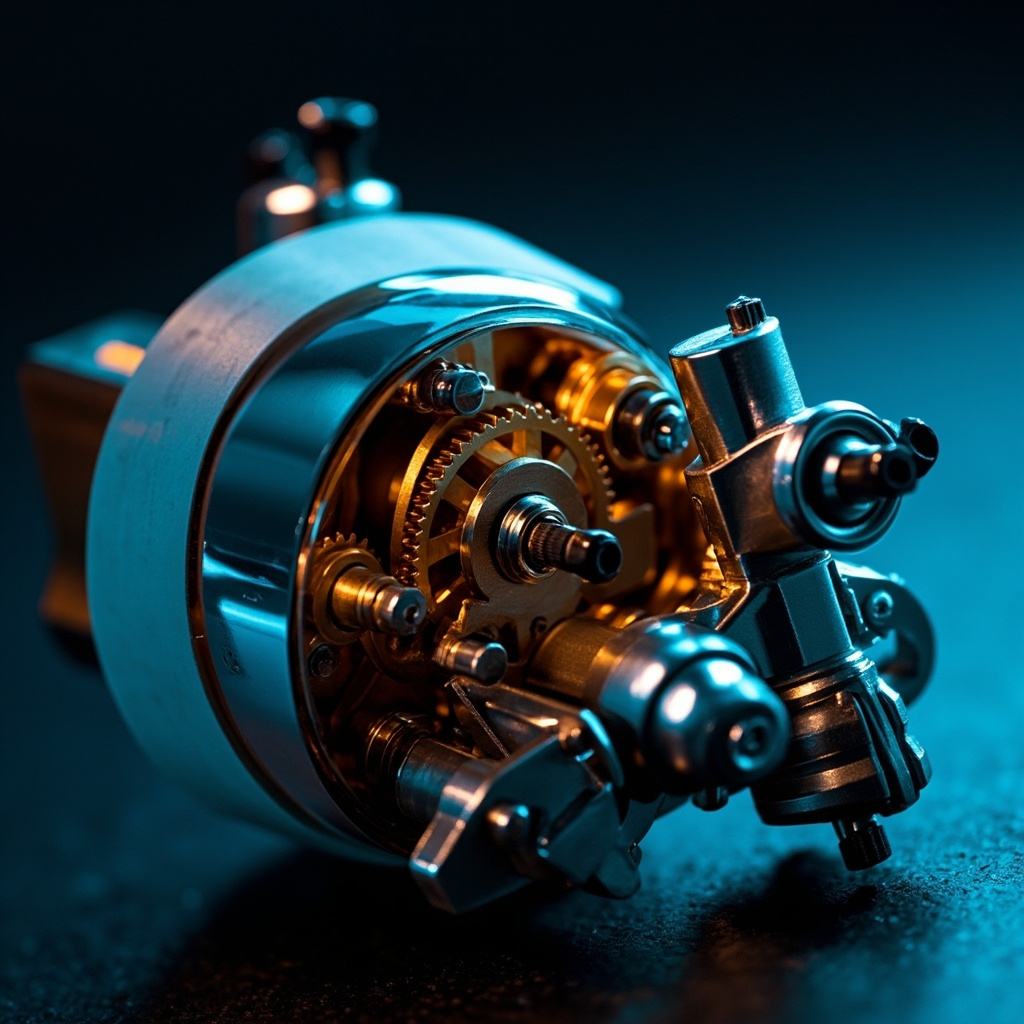
Servo torque limit settings are one of the most critical yet frequently overlooked parameters in motion control systems. Whether you’re operating industrial robotics, CNC machinery, or precision automation equipment, properly configuring torque limits ensures safety, protects mechanical components, and optimizes operational efficiency. This comprehensive guide explores everything you need to know about servo torque limit settings, from fundamental concepts to advanced configuration techniques.
What Is Servo Torque Limit?
Servo torque limit refers to the maximum rotational force a servo motor is permitted to produce under controlled conditions. Measured in Newton-meters (Nm) or pound-feet (lb-ft), this parameter acts as a programmable safety threshold that prevents the motor from applying excessive force to the load, gearbox, or driven mechanism. Modern digital servo drives allow users to define both forward torque limits and reverse torque limits, often expressed as a percentage of the motor’s rated continuous torque.
When a motor reaches its preset torque limit, the drive’s current regulation loop clamps the output current, effectively capping mechanical output. This protects both the motor and the connected mechanical system from overload damage, jammed conditions, and catastrophic failures.
Why Torque Limits Matter in Motion Control
Setting appropriate torque limits is not merely a recommendation—it is a fundamental engineering requirement. The consequences of incorrect torque configuration include:
- Mechanical damage to gearboxes, couplings, belts, and driven loads
- Motor overheating and insulation breakdown from sustained high current draw
- Product defects in manufacturing processes requiring precise force application
- Safety hazards to operators working near moving machinery
- Premature encoder or bearing failure due to shock loading
- Voided warranties on drive and motor components
How Servo Torque Limit Settings Work
Servo drives implement torque limiting through closed-loop current control. The drive continuously monitors the motor’s current draw using shunt resistors or Hall-effect sensors, then compares this value against the programmed torque limit. When current exceeds the threshold, the drive instantly reduces voltage to the inverter stage, capping torque output at the programmed value.
Most modern drives support multiple torque limit modes, including:
- Internal Set Torque Limit – Fixed values programmed via drive parameters
- External Analog Torque Limit – Variable limits via 0–10V analog input signals
- Communication-Based Limits – Set dynamically via fieldbus protocols (EtherCAT, CANopen, Modbus)
- Profile-Based Limits – Pre-programmed torque profiles for indexing or cam applications
Key Parameters for Torque Configuration
Understanding the standard parameter naming conventions across drive manufacturers helps when integrating equipment. The following table summarizes the most common torque limit parameters you’ll encounter:
| Parameter | Description | Typical Range |
|---|---|---|
| P1-09 / TL1 | Forward Internal Torque Limit | 0–300% of rated torque |
| P1-10 / TL2 | Reverse Internal Torque Limit | 0–300% of rated torque |
| P1-11 / TL3 | External Forward Torque Limit Scaling | 0–10V mapped to 0–max |
| P1-12 / TL4 | External Reverse Torque Limit Scaling | 0–10V mapped to 0–max |
| P1-13 / TFF | Torque Filter Time Constant | 0.1–100 ms |
Torque Filter Time Constant
The torque filter time constant smooths out sudden torque demands, preventing oscillation and mechanical resonance. Lower values provide faster response but may cause instability in high-inertia systems, while higher values deliver smoother torque transitions at the cost of bandwidth. Most applications perform optimally between 0.5 and 5 milliseconds.
Step-by-Step Guide to Setting Torque Limits
Follow this systematic procedure to configure servo torque limits correctly:
- Identify application requirements – Determine the maximum force the process actually requires, including dynamic factors like acceleration and shock loads.
- Calculate the safety margin – Multiply your calculated maximum by 1.2–1.5 to establish a working torque limit that accounts for transient conditions.
- Verify mechanical ratings – Confirm the gearbox, coupling, and driven load can withstand the proposed limit, including safety factors specified by the manufacturer.
- Set forward and reverse limits separately – Asymmetric applications (gravity-loaded axes, vertical lifts) often require different limits for each direction.
- Configure torque filter time constant – Start with the drive default, then tune based on observed response.
- Test under no-load conditions – Verify the limit activates at the expected value using a torque watch tool or motor current scope.
- Validate with loaded operation – Run representative production cycles and monitor for any torque alarm triggers.
- Document the final settings – Record parameter values, application notes, and validation results in your machine documentation.
Common Applications and Recommended Limits
Different applications require very different torque limit strategies. The following table provides typical starting points for common scenarios:
| Application | Recommended Limit | Rationale |
|---|---|---|
| Conveyor Belts | 120–150% rated | Handles start-up friction and minor jams |
| Robotic Joints | 80–100% rated | Tight control for collaborative safety |
| Screw Driving | 60–80% rated | Prevents fastener over-torque and tool wear |
| Press Applications | 150–200% rated | Short bursts of high force for forming |
| Web Tension Control | 50–70% rated | Maintains consistent material tension |
| Vertical Lift Axes | Browse topics CategoriesLatest insights Recent posts
Discover more from Xiamen Lisen Trading Co., LtdSubscribe now to keep reading and get access to the full archive. |