
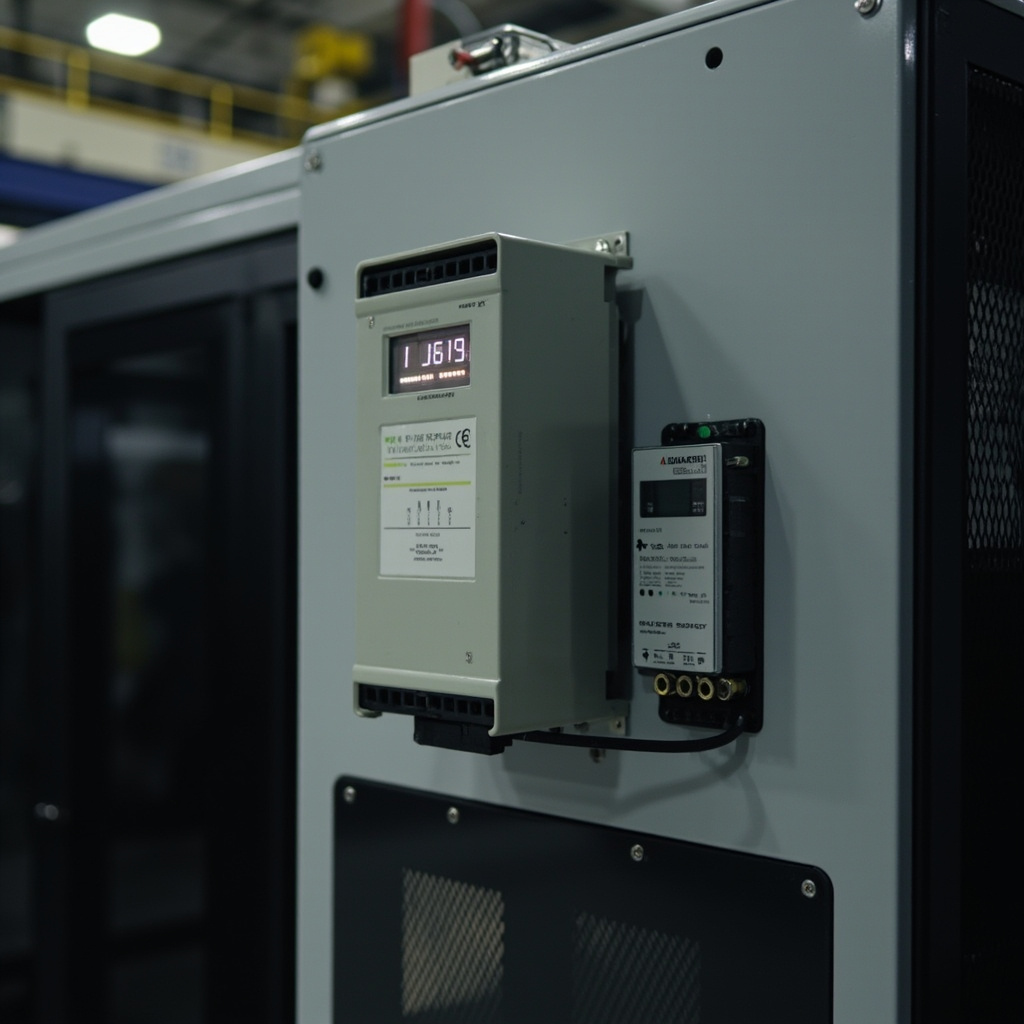
Mitsubishi FR-E700 VFD Parameter Configuration: PU EXT Operating Mode, Multi-Speed Setting, PID Control Loop, RS-485 Modbus Communication Setup
Introduction
The Mitsubishi FR-E700 series of compact variable frequency drives (VFDs) represents a versatile and reliable solution for motor control in a wide range of industrial applications. Known for their compact design, high performance, and ease of use, FR-E700 VFDs are commonly employed in material handling systems, HVAC systems, pumps, fans, and machine tool spindles. These drives offer extensive programmability to optimize motor performance, energy efficiency, and system integration.
However, to fully leverage the capabilities of the Mitsubishi FR-E700 VFDs, a systematic approach to parameter configuration is essential. This article provides a comprehensive guide to configuring key parameters of the FR-E700 series, focusing on:
- Operating mode selection and frequency command sources
- Multi-speed settings and acceleration/deceleration parameters
- PID control loop configuration for process automation
- RS-485 Modbus RTU communication setup for network integration
Proper configuration of these parameters is crucial for achieving optimal motor control, improving system reliability, and maximizing energy efficiency in applications such as:
- Conveyor systems: Controlled acceleration/deceleration and multi-speed operation for efficient material transport.
- Fans and pumps: PID control for maintaining constant pressure or flow, and sleep/wake functions for energy savings.
- Machine tool spindles: Precise speed control and smooth acceleration/deceleration for machining operations.
This guide will help automation technicians and electrical engineers configure FR-E700 VFDs effectively for their specific applications.
—
Operating Mode Selection and Frequency Command Source
Understanding Operating Modes
The Mitsubishi FR-E700 VFD offers two primary operating modes:
- PU (Panel Unit) Operation Mode (Pr79 = 0):
- Control is performed via the VFD’s keypad (FR-DU07 or FR-LU07).
- Suitable for applications requiring manual speed adjustment or local control.
- EXT (External) Operation Mode (Pr79 = 1):
- Control is performed via external signals from digital inputs, analog inputs, or communication interfaces.
- Enables integration with PLCs, HMIs, and other control systems.
Parameter Pr79: Operating Mode Selection
- Pr79 = 0: PU operation mode
- Pr79 = 1: EXT operation mode
- Pr79 = 2: Combined PU/EXT mode (allows switching between PU and EXT control)
- Pr79 = 3: Network operation mode (for communication via RS-485 or other network protocols)
Frequency Reference Selection
The frequency reference determines the target speed of the motor. The FR-E700 offers multiple options:
- Parameter Settings (Pr4, Pr5, Pr6):
- Pr4: High-speed frequency (Hz)
- Pr5: Medium-speed frequency (Hz)
- Pr6: Low-speed frequency (Hz)
- Analog Inputs:
- 0-5V or 0-10V analog signals can be used to set the frequency reference.
- Terminal assignment: Pr267 (V1), Pr268 (V2)
- Multi-Speed Selection via Digital Inputs:
- Pr178-Pr189: Assign digital inputs to multi-speed settings.
- Allows selection of up to 15 preset speeds.
- Communication Interface:
- Frequency reference can be set via RS-485 Modbus RTU or other network protocols.
Running Direction and Start/Stop Commands
- Running Direction:
- Forward/reverse control can be set via digital input (Pr178-Pr189) or communication interface.
- Pr180: Reverse rotation enable/disable
- Start/Stop Commands:
- Via keypad (PU mode)
- Via external pushbutton or switch (EXT mode)
- Via communication interface (Network mode)
Example Configuration
For a conveyor application requiring three speeds (high, medium, low) and external start/stop control:
- Set Pr79 = 1 (EXT operation mode)
- Assign digital inputs for multi-speed selection:
- Pr178 = 1 (high speed)
- Pr179 = 2 (medium speed)
- Pr180 = 3 (low speed)
- Set frequency values:
- Pr4 = 60 Hz (high speed)
- Pr5 = 30 Hz (medium speed)
- Pr6 = 10 Hz (low speed)
- Configure start/stop via digital input:
- Pr181 = 7 (start)
- Pr182 = 8 (stop)
—
Multi-Speed Setting and Acceleration Parameters
Multi-Speed Configuration
The FR-E700 allows configuration of up to 15 multi-speed settings (Pr4-Pr18). Key parameters include:
- Pr4, Pr5, Pr6: As discussed above.
- Pr7, Pr8: Acceleration and deceleration times for multi-speed transitions.
- Pr20: Base frequency (fundamental frequency of the motor)
Acceleration/Deceleration Parameters
- Pr7 (Acceleration Time): Time taken to reach maximum speed from zero.
- Pr8 (Deceleration Time): Time taken to decelerate from maximum speed to zero.
For applications like belt conveyors, S-curve acceleration (Pr29) can be enabled to provide smoother starts and stops, reducing mechanical stress.
Jump Frequency Settings (Pr31-Pr36)
These parameters allow the VFD to avoid operating at mechanical resonance points:
- Pr31-Pr36: Define frequency ranges to skip during acceleration/deceleration.
- Helps prevent vibration and noise in mechanical systems.
Example Configuration
For a fan application:
- Set Pr7 = 30 seconds (acceleration time)
- Set Pr8 = 40 seconds (deceleration time)
- Enable S-curve acceleration:
- Pr29 = 1 (enable)
- Set jump frequencies to avoid resonance:
- Pr31 = 15 Hz
- Pr32 = 20 Hz
—
PID Control Loop Configuration
Enabling PID Control
- Pr128: Enables/disables PID control
- 0: PID control disabled
- 1: PID control enabled
PID Parameters
- Pr129 (Proportional Gain): Determines the response strength to error.
- Pr130 (Integral Time): Determines the response to accumulated error.
- Pr131 (Derivative Time): Determines the response to rate of change of error.
PID Limits
- Pr133 (PID Upper Limit): Maximum output value of the PID controller.
- Pr134 (PID Lower Limit): Minimum output value of the PID controller.
Feedback Signal Configuration
- Pr267, Pr268: Assign analog inputs for feedback signals (e.g., pressure, flow, temperature).
- Pr269: Set feedback signal scaling.
Target Value Configuration
- Pr135: Set target value via parameter input.
- Alternatively, target value can be set via analog input or communication interface.
Additional Features
- Sleep/Wake Function (Pr140-Pr143):
- Enables energy savings by stopping the motor when the process value is within a defined range.
- Automatically restarts the motor when the process value deviates from the set range.
- PID Reverse Action (Pr144):
- Inverts the PID output for applications like cooling systems where an increase in error requires a decrease in output.
Example Configuration
For a pump application with pressure control:
- Enable PID control:
- Pr128 = 1
- Set PID parameters:
- Pr129 = 1.5 (proportional gain)
- Pr130 = 10 seconds (integral time)
- Pr131 = 0 seconds (derivative time)
- Set PID limits:
- Pr133 = 100% (upper limit)
- Pr134 = 0% (lower limit)
- Assign feedback signal:
- Pr267 = 1 (analog input 1)
- Configure sleep/wake function:
- Pr140 = 1 (enable)
- Pr141 = 2 bar (sleep threshold)
- Pr142 = 3 bar (wake threshold)
—
RS-485 Modbus RTU Communication Setup
Communication Parameters
- Pr117 (Station Number): Sets the VFD’s address on the network.
- Pr118 (Communication Speed): Sets the baud rate (e.g., 9600, 19200, 38400 bps).
- Pr119 (Parity Check): Configures parity settings (even, odd, none).
- Pr120 (Communication Retry): Sets the number of retry attempts for failed communications.
- Pr121 (Communication Check Time): Sets the time interval for communication error checking.
Protocol Configuration
- The FR-E700 uses the Modbus RTU protocol for RS-485 communication.
- Pr122-Pr125: Configure Modbus function codes and register mapping.
Connection and Configuration
- Connect the RS-485 interface:
- Use shielded twisted pair cable.
- Terminate with 120-ohm resistors at both ends.
- Set communication parameters:
- Pr117 = 1 (station number)
- Pr118 = 38400 (baud rate)
- Pr119 = 2 (even parity)
- Configure Modbus registers:
- Use FR Configurator2 software for easy setup.
- Alternatively, configure via FR-PU07 or FR-LU07 keypad.
Online Parameter Adjustment
- PU Transfer Mode (Pr79 = 4):
- Allows online parameter adjustment via communication interface.
- Enables real-time monitoring and control.
Example Configuration
For network integration with a PLC:
- Set Pr117 = 1 (station number)
- Set Pr118 = 19200 (baud rate)
- Set Pr119 = 2 (even parity)
- Configure Modbus registers using FR Configurator2:
- Map frequency reference to Modbus register 40001
- Map output frequency to Modbus register 40002
- Enable PU transfer mode:
- Pr79 = 4
—
Comparison Table: Mitsubishi FR-E700 vs Competing Compact VFDs
| Feature | Mitsubishi FR-E700 | Competitor A | Competitor B | Competitor C |
|---|---|---|---|---|
| Power Range | 0.1 kW – 7.5 kW | 0.2 kW – 7.5 kW | 0.1 kW – 5.5 kW | 0.4 kW – 11 kW |
| Communication Protocol | Modbus RTU, Profibus, CC-Link | Modbus RTU, Ethernet/IP | Modbus RTU, DeviceNet | Modbus RTU, EtherCAT |
| PID Control | Advanced PID with sleep/wake function | Basic PID | PID with auto-tuning | PID with feed-forward |
| Protection Rating | IP20, IP54 (optional) | IP20 | IP20 | IP20, IP65 (optional) |
| Typical Applications | Conveyors, fans, pumps, machine tools | HVAC, pumps, fans | HVAC, conveyors | Machine tools, robotics |
—
FAQ
Q1: Can I configure the FR-E700 VFD without a computer?
Yes, you can configure the FR-E700 VFD using the FR-DU07 or FR-LU07 keypad. The keypad allows you to access and modify all parameters, although using FR Configurator2 software simplifies the process.
Q2: How do I set up the VFD for remote monitoring?
To enable remote monitoring, configure the RS-485 Modbus RTU communication parameters (Pr117-Pr121) and connect the VFD to a network. Use the appropriate Modbus registers to read operating parameters and status information.
Q3: What is the purpose of the sleep/wake function?
The sleep/wake function (Pr140-Pr143) is designed to save energy by stopping the motor when the process value is within a defined range. The VFD automatically restarts the motor when the process value deviates from the set range.
—
Conclusion
Configuring the Mitsubishi FR-E700 VFD correctly is crucial for achieving optimal performance and reliability in industrial applications. By understanding the operating modes, multi-speed settings, PID control parameters, and communication protocols, engineers can tailor the VFD to meet the specific requirements of their systems.
For more information on the Mitsubishi FR-E700 series, including detailed specifications and purchasing options, visit:
- Mitsubishi FR-E740-5.5K-CHT Variable Frequency Drive
- Mitsubishi FR-E740-7.5k-CHT Variable Frequency Drive
- Mitsubishi FR-BU2-30K Brake Unit 30kW
Proper configuration of the FR-E700 VFD will ensure efficient and reliable operation, ultimately contributing to the overall success of your automation projects.